How it works
Three steps. No setup. Nothing to install.
Pet Health Copilot lives in your browser and works with the records you already have.
1
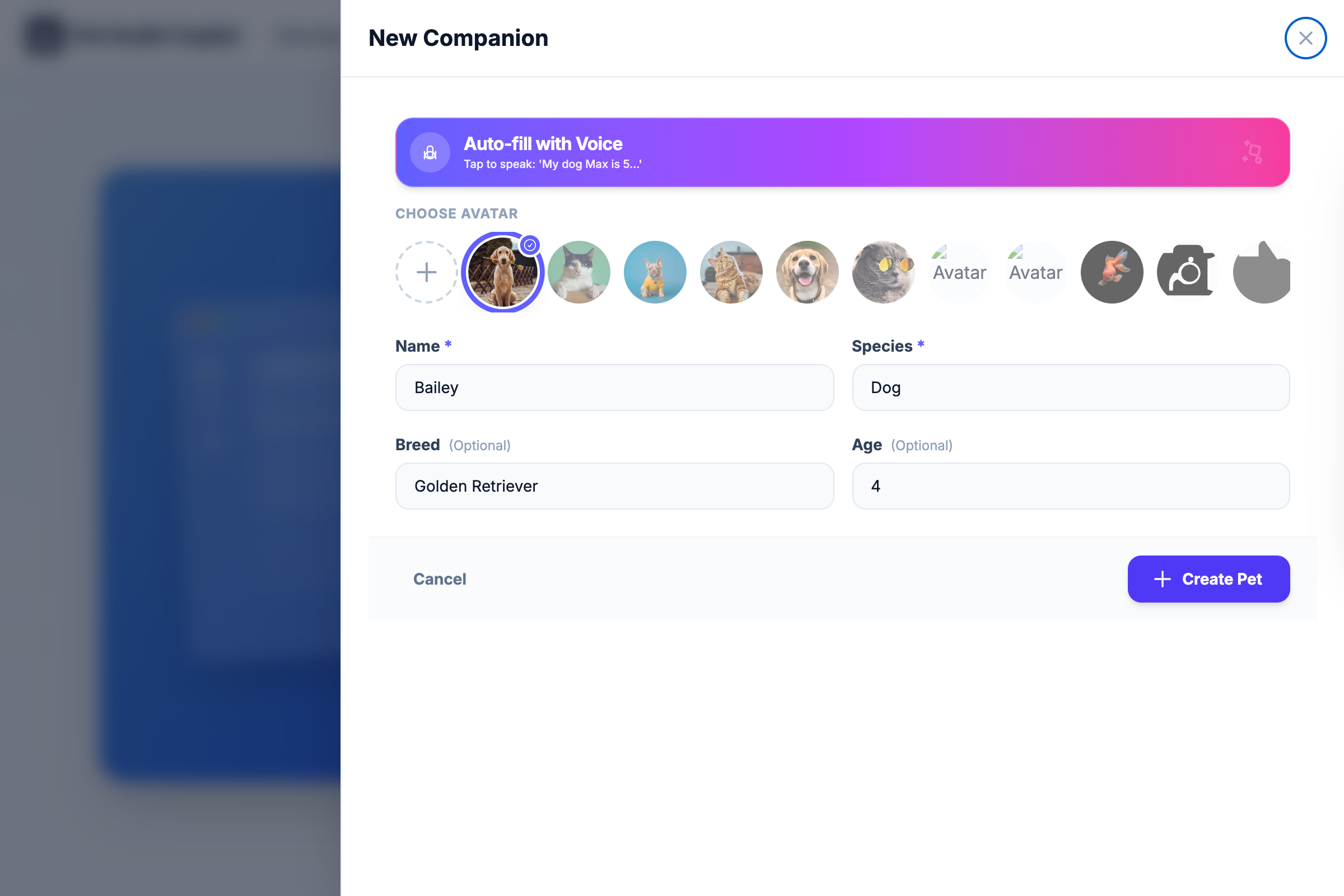
Takes a minute Create your pet's profile
Name, species, breed, age — that's it. Have multiple animals? Each gets their own space.
phc.oookea.com
2
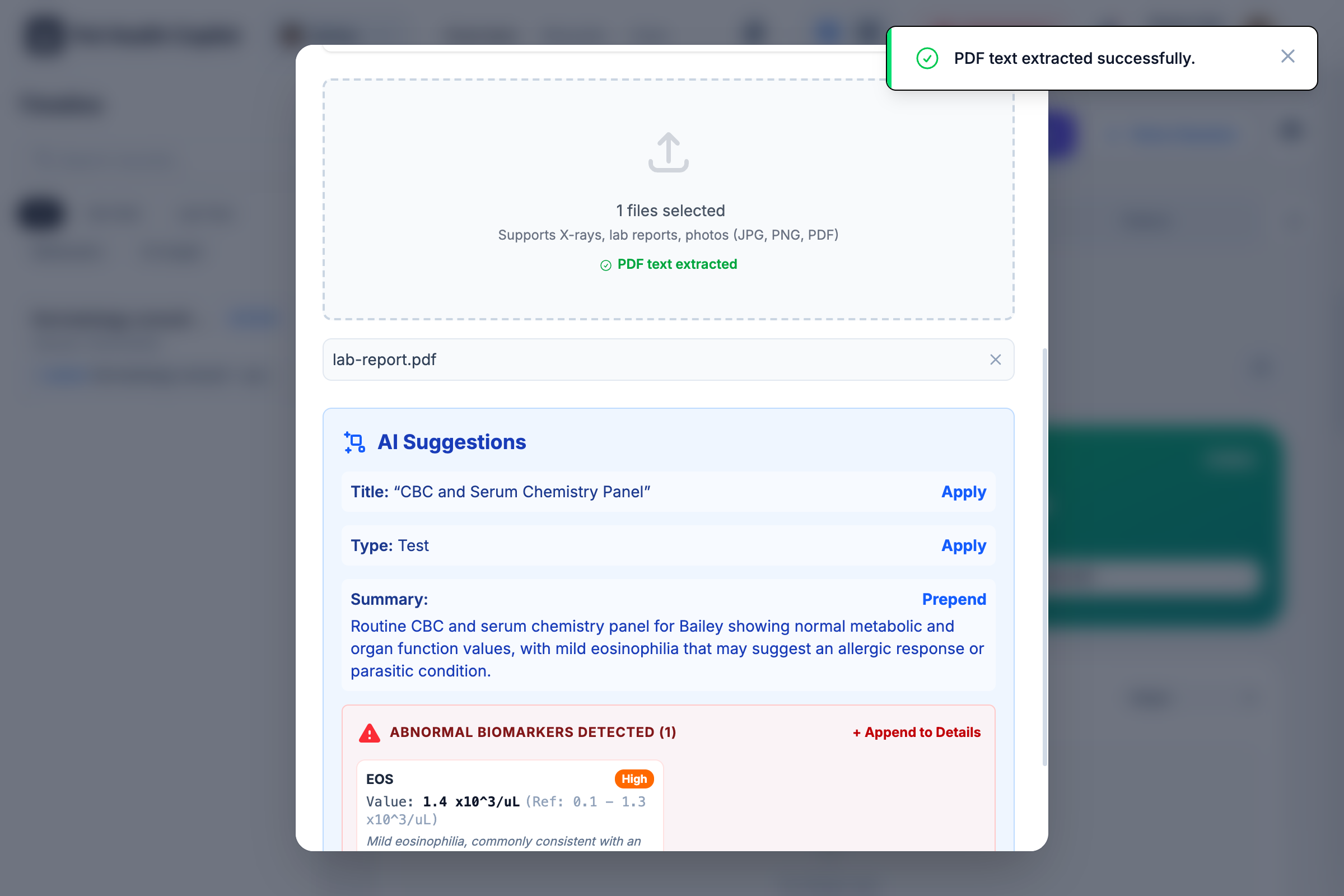
However messy it is Add what you already have
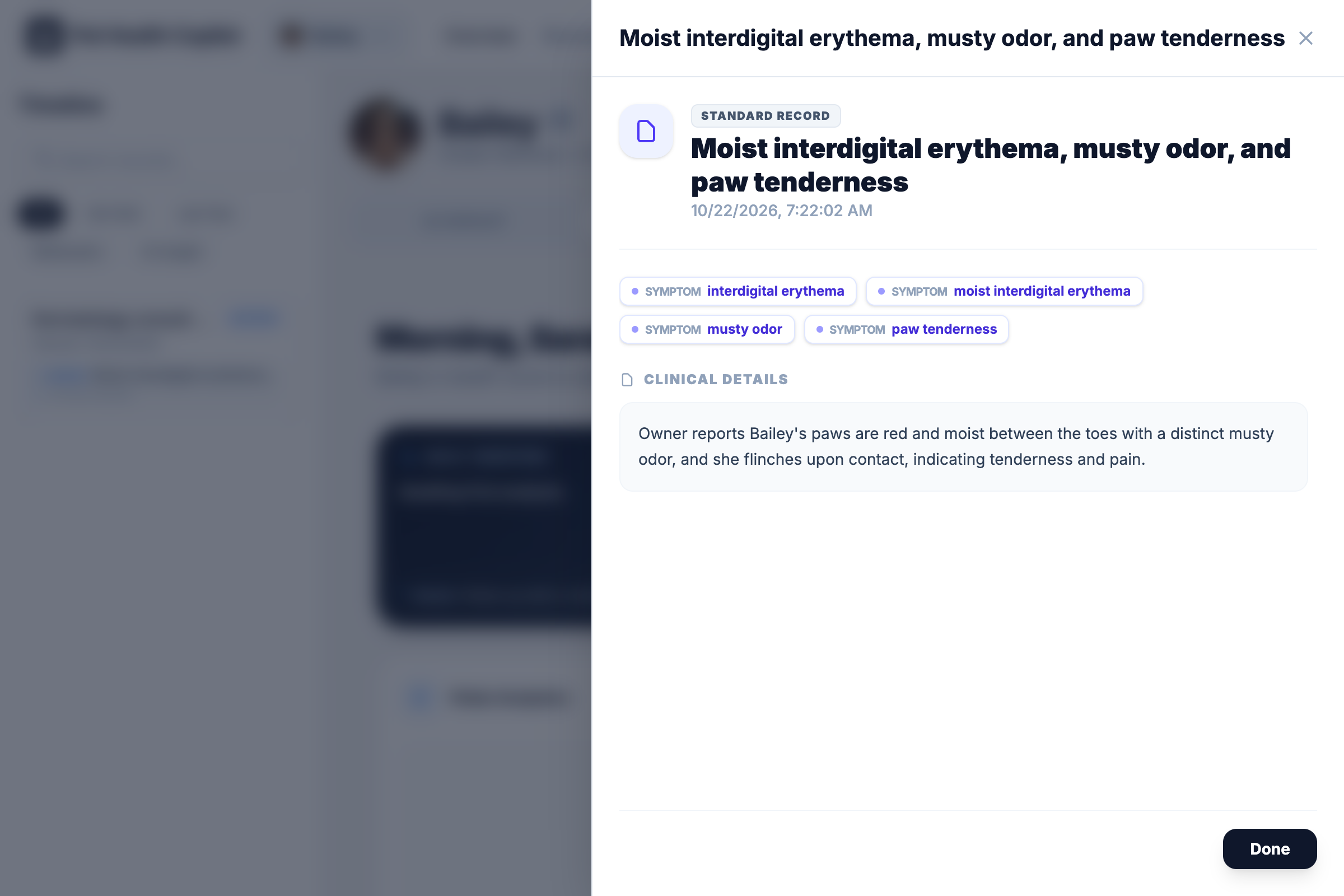
Upload the lab PDFs, snap the X-ray, paste in the vet's discharge notes. The copilot reads, titles, and files everything — and if you'd rather just talk, describe what's going on and it takes care of the record.
phc.oookea.com
3
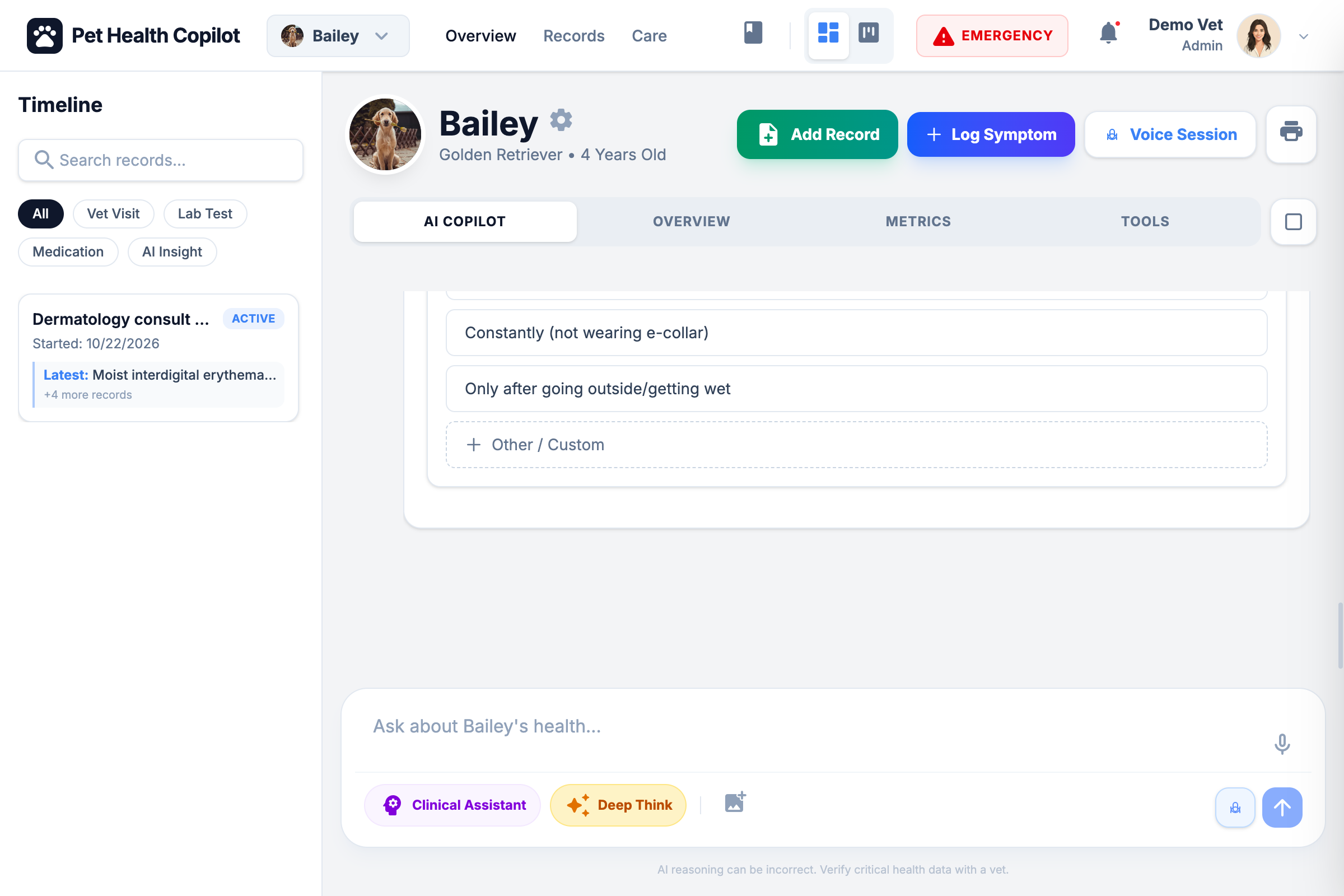
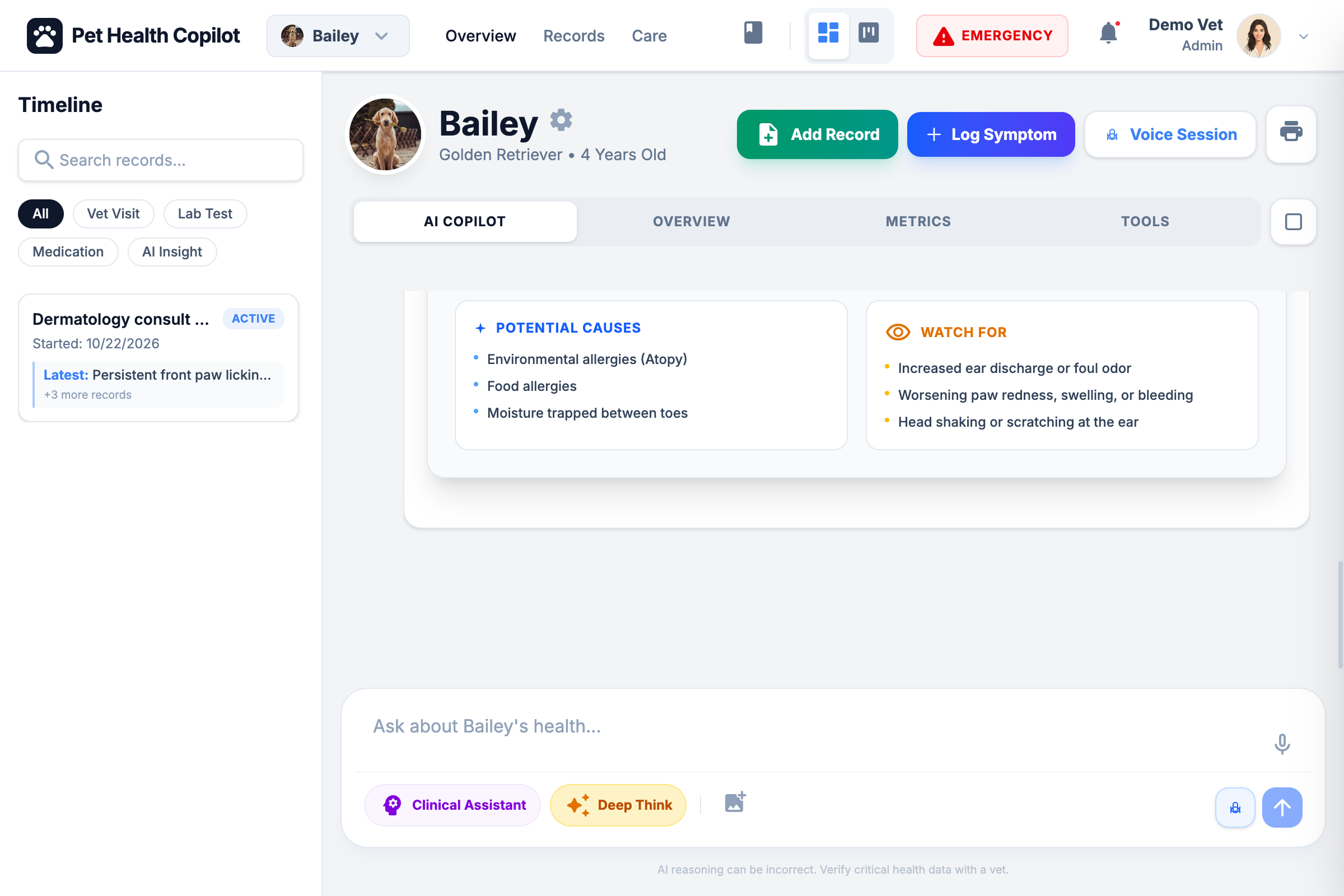
Before, during, and after the vet visit Ask, understand, prepare
Ask questions any time — the copilot answers in the context of your pet's full history, flags anything urgent, and keeps the timeline current so the next vet visit starts from the whole story.
Join the waitlist — be first through the door.
Join the waitlist and we'll email you the moment your invitation is ready.